How to Register
As soon as the plugin is installed, you can view the CedCommerce option visible under the menu section on the left-hand side menu.
Click on it will take you to the WooCommerce-TikTok Shop Integration App. The next step is to connect to your store with TikTok Integration by CedCommerce. Click on the app icon to do it.
Now, you will land on the TikTok Connector for CedCommerce page. Check the box below the Connect button to manually
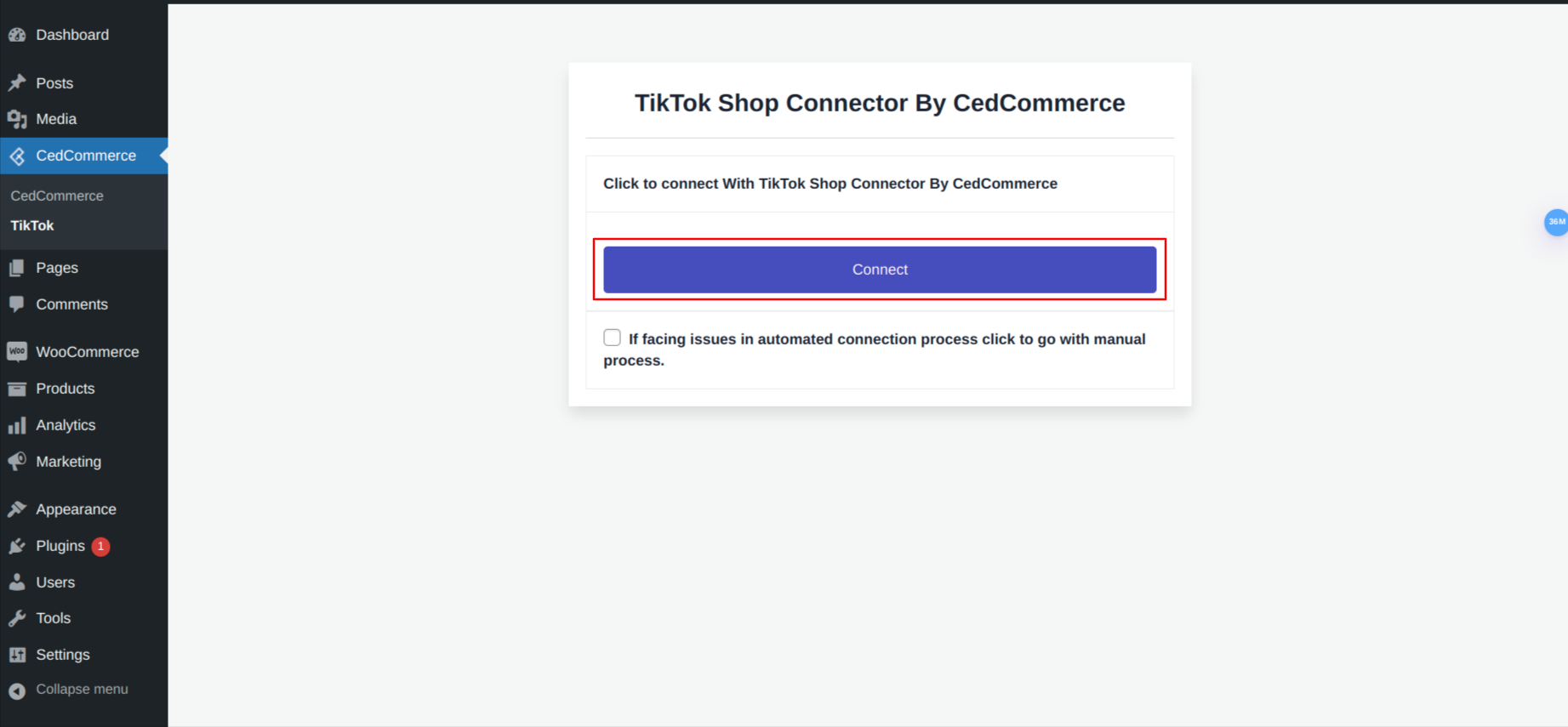
connect With TikTok CedCommerce App.
It will open up two fields right below it to input the Consumer Key and Consumer Secret.
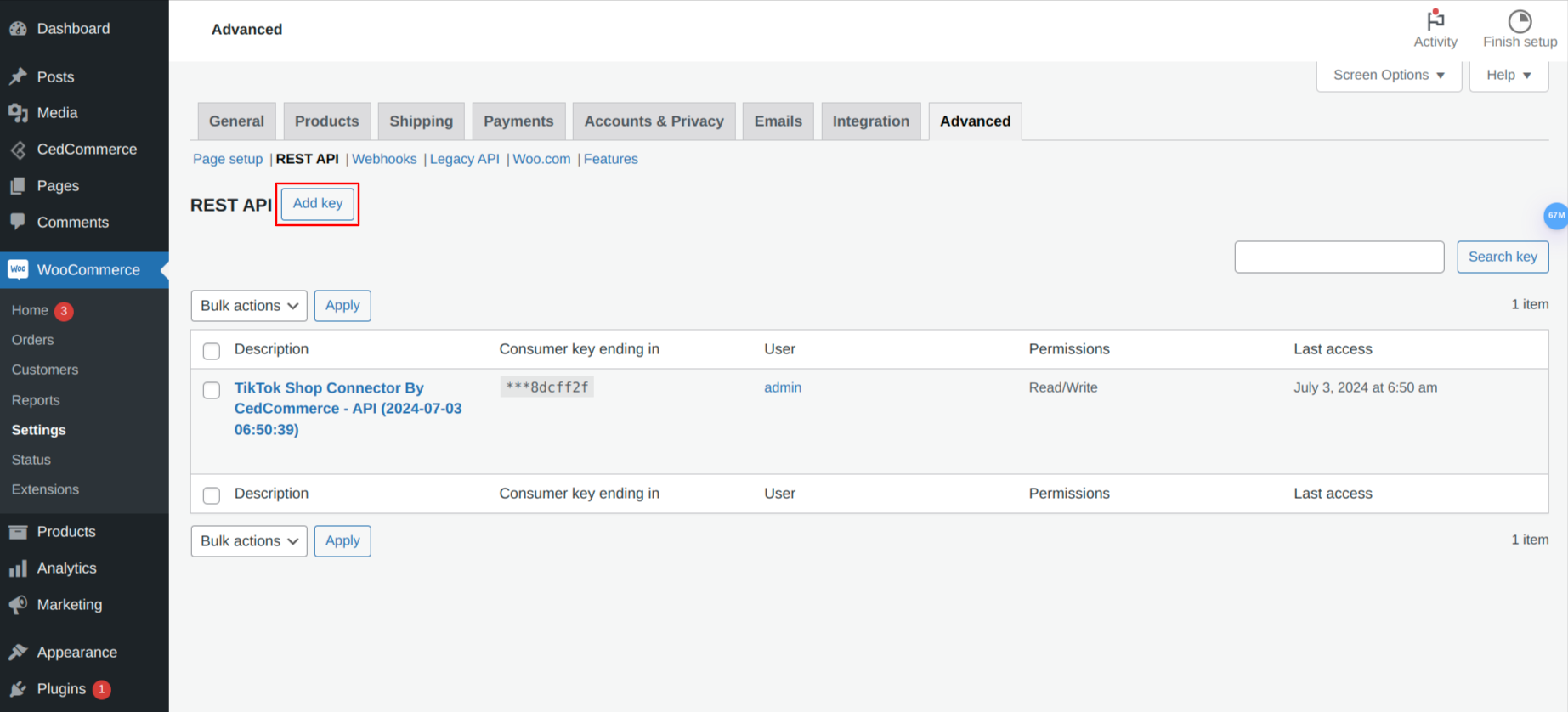
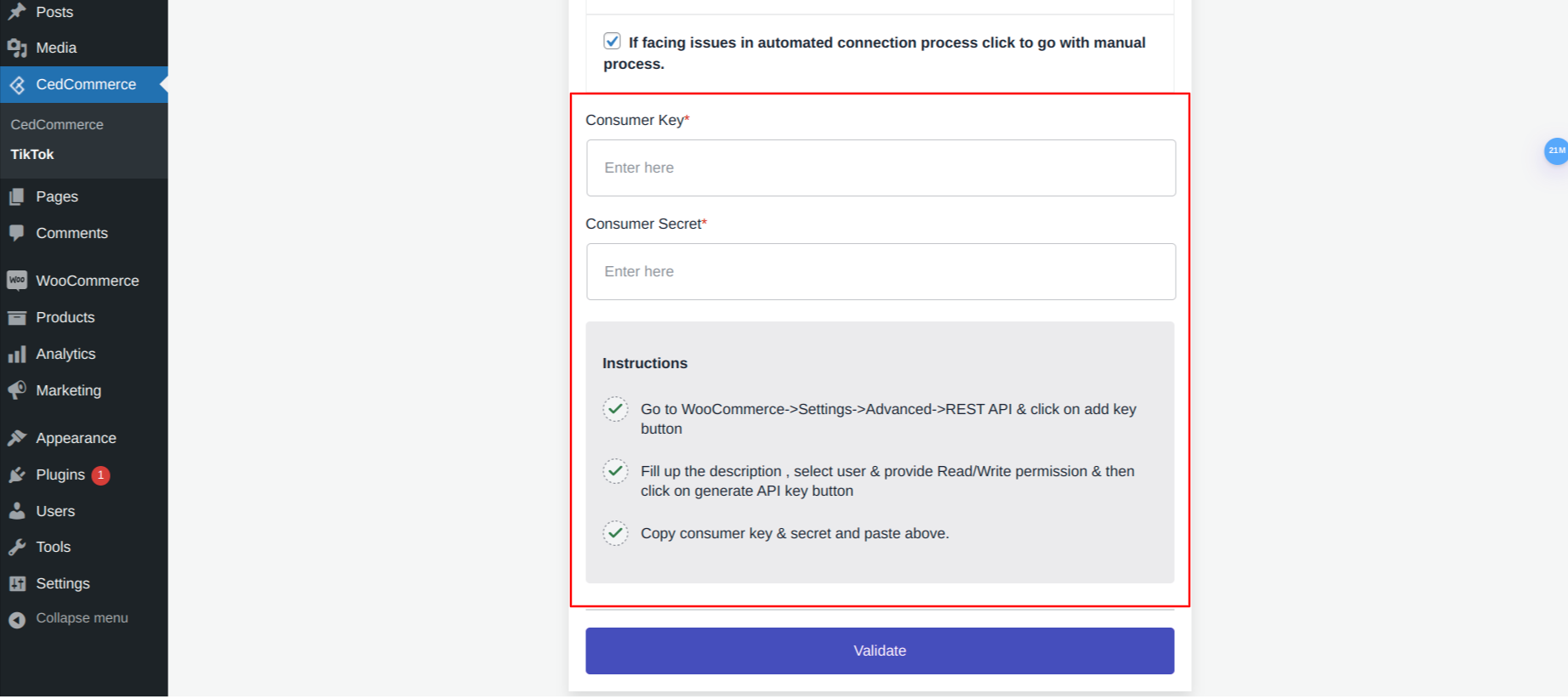
Navigate to the WooCommerce > Settings > Advanced > REST API.
Click on the Add Key button
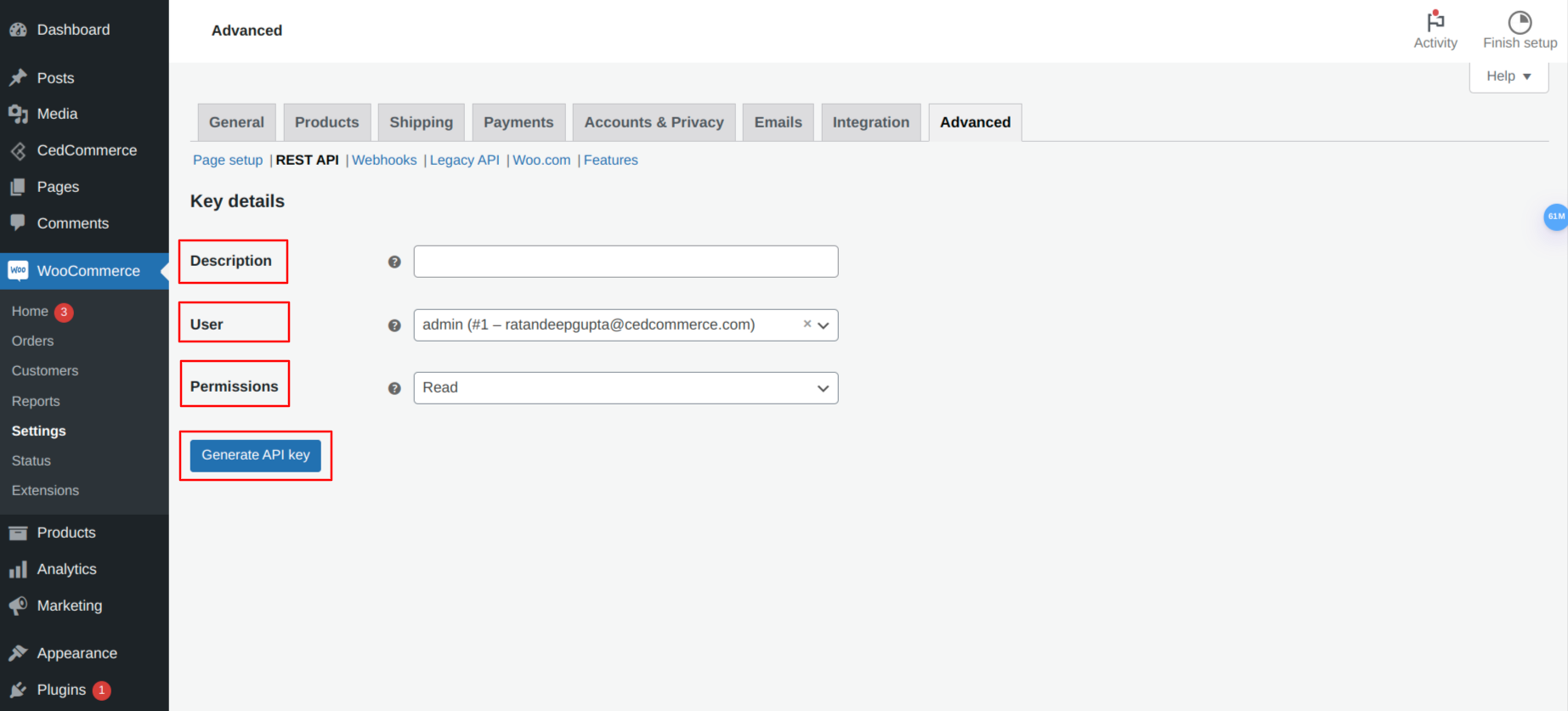
Input the value of description, user, and permissions and click on the Generate API Key button.
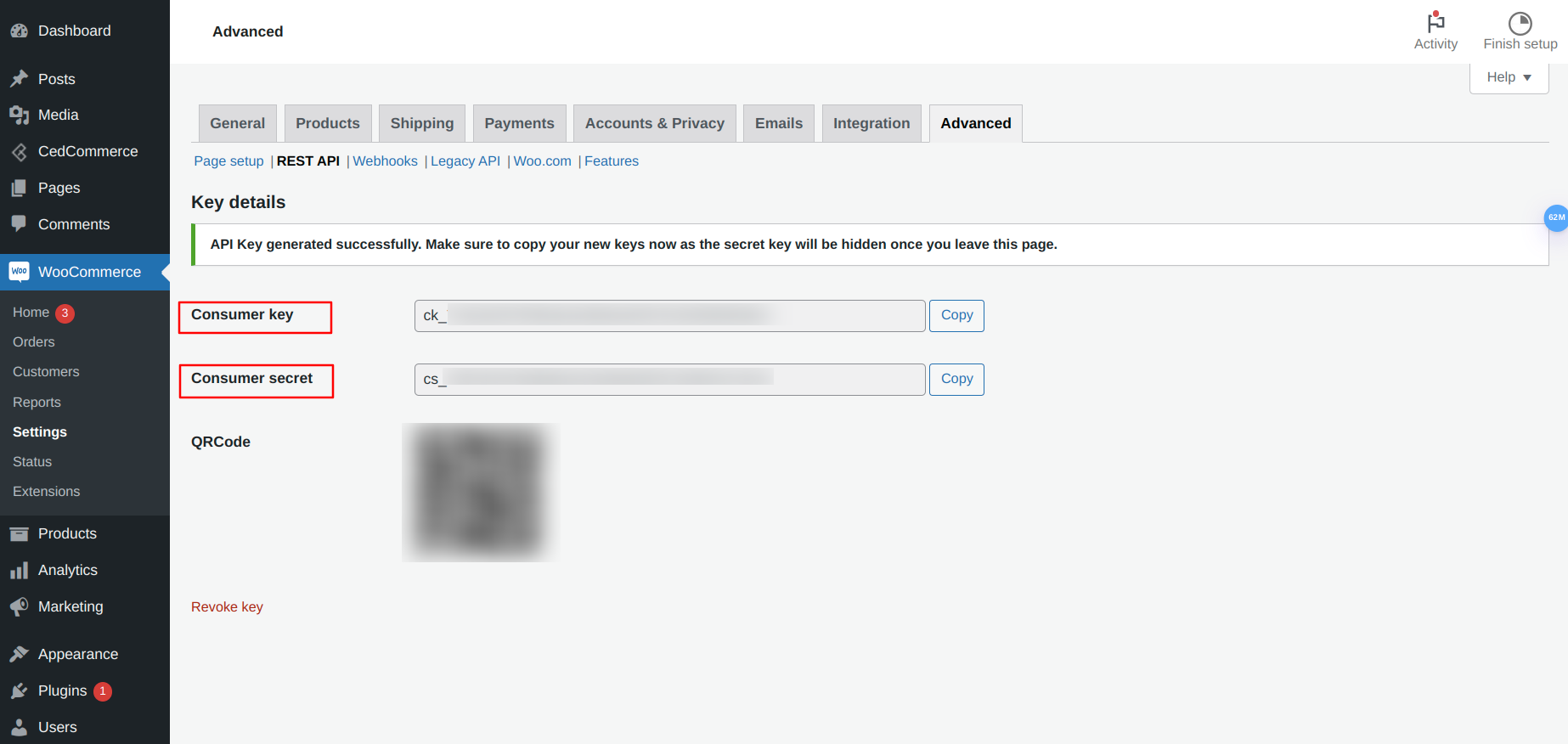
It will generate the required API key.
After entering the Consumer Key and Consumer Secret, click the Validate button.
Related Articles
Select Default Warehouse for TikTok Shop
From the list of TikTok warehouse locations in the dropdown under Select Default Warehouse for TikTok Shop, choose a warehouse where you would like to store your inventory. Then click on the Sync Warehouses button, followed by clicking on the Finish ...How to connect your TikTok Shop account
Upon successfully installing the Tiktok Connector for CedCommerce, you will be redirected to the Connect TikTok Shop page. Choose the location of your TikTok shop account from the dropdown menu. Choose the United States if your account belongs to the ...Install file
As login into the WooCommerce backend, you will land on the WordPress backend. Navigate to the left-hand side menu and click on the Installed Plugins option under the Plugins section. It will redirect you to the Plugins page. Here you will find the ...How to create Default Configuration
In this section, you can set custom pricing for the product. It means you can increase/decrease pricing with a fixed value or percentage. The configuration set here will apply to the products. Product Auto Delete This feature allows you to auto ...Let's get started
In this guide, you will find details to perform the following actions easily Connect TikTok Shop Default Template Dashboard Category Template Products Orders Return & Refund Configuration Pricing